
Home Software Overview
Shell Element Designer Design Visualiser Bolt-Ons
How it Works Pricing ROI Calculator About Us FAQs Contact Us Legal Start Free Trial
Built by Chartered Engineers, for engineers

Design your structure in minutes, not weeks

Dynamico takes your completed analysis results — from any analysis software — and automates fully code-compliant design for every finite element and every load case. Transparently.

Start Free Trial See How it Works
0design cases automated per run
Minutesfull design output, not weeks
100%of calculation steps visible
Scroll

Works with data from any structural analysis software, including

Autodesk® Robot Structural AnalysisANSYS®SAP2000®ETABS®Tekla® Structural DesignerAbaqus SIMULIA™STAAD® Autodesk® Robot Structural AnalysisANSYS®SAP2000®ETABS®Tekla® Structural DesignerAbaqus SIMULIA™STAAD®
The problem

Traditional design software is a black box

Results go in, answers come out — and everything in between is hidden. Validation becomes guesswork.

The Dynamico way

We opened the box

Every step of every calculation is yours to see, check and reuse. Trust built in, not bolted on.

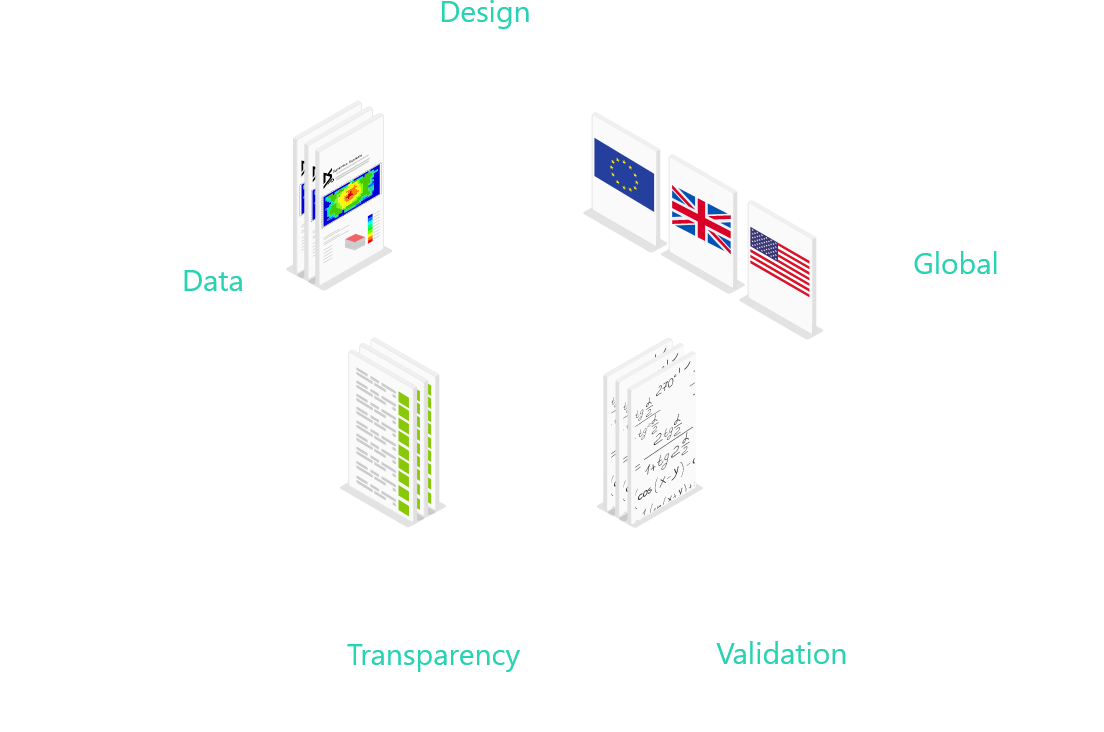
Inside the open box

Design

Rebuilds your analysis model and gives graphical design visualisations

Data

Access the full design data for every element and every case

Transparency

Open box approach that lets you see all calculation steps

Validation

Structured design calculations make checking a breeze

Global

Caters for design codes across the globe

Opening
The Dynamico Suite

Transparent design software for real project workflows

Take the results of completed analyses and automate the code-compliant design of all finite elements — in minutes.

Flagship · v3.0

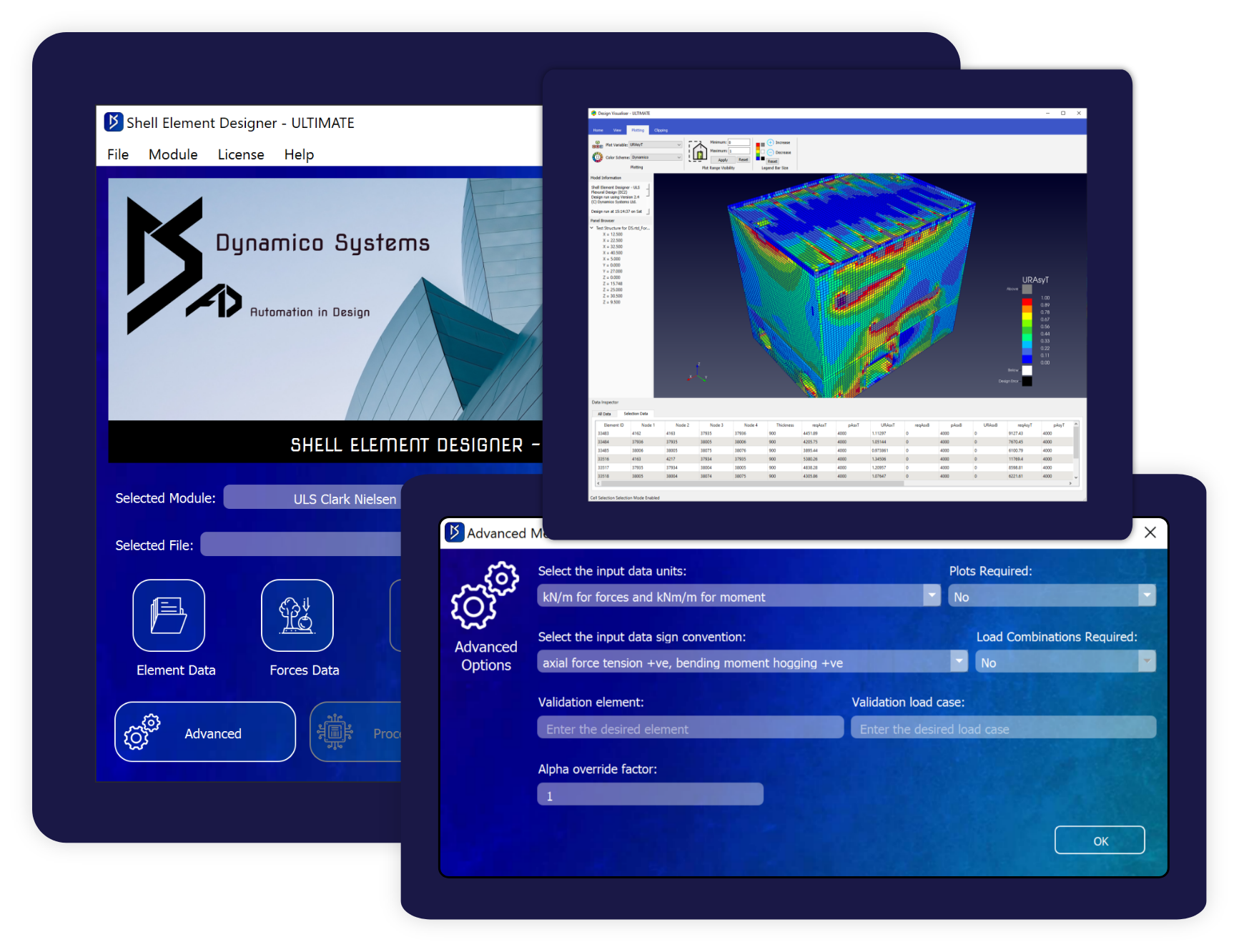
Shell Element Designer

Reinforced Concrete · Walls and Slabs

Designs tens of thousands of shell elements for hundreds of load cases in minutes: flexural and shear reinforcement, crack widths and long-term deflections — to Eurocode, American or code-independent methods.

Shell Element Designer box art
Explore Shell Element Designer
Included with Ultimate

Design Visualiser

Results · 3D Model Review

A light-weight 3D viewer for every completed design run. Focus on hot spots, section and filter the model, and capture impressive visualisations for reports and clients.

Design Visualiser 3D views
Explore Design Visualiser
In development Coming soon

Line Element Designer

Reinforced Concrete · Beams and Columns

Automated design of line elements for all six forces and moments.

In development Coming soon

Steel Line Element Designer

Steel · Beams, Columns, Bracing

Steel member design with the same open-box transparency.

Workflow

Bolt-Ons

Robot · SAP2000 · Abaqus

Create Dynamico input files directly from your analysis model in minutes — no manual transfer, no human error.

See the Bolt-Ons
Why Dynamico

Built for trust, speed and change

Ultra-fast

Streamlined automated design completes in minutes. Minimal user input, maximum output.

Transparent

A never-seen-before open box approach gives complete transparency for validation and confidence.

Reduces cost

Automation cuts design time, construction cost and material cost on every project.

Change-friendly

Assess the impact of change quickly — re-run a full design in minutes, not another week.

Full control

Every step of the design process is output as standard. The data is yours to use.

BIM ready

Design data is structured, consistent and ready for BIM-related applications.

How it works

Five steps. Your existing workflow.

No re-modelling, no lock-in — Dynamico picks up where your analysis software stops.

Complete the analysis

Use your existing structural or FE analysis software — Dynamico works with data from any of them.

A completed analysis model

Create the input files

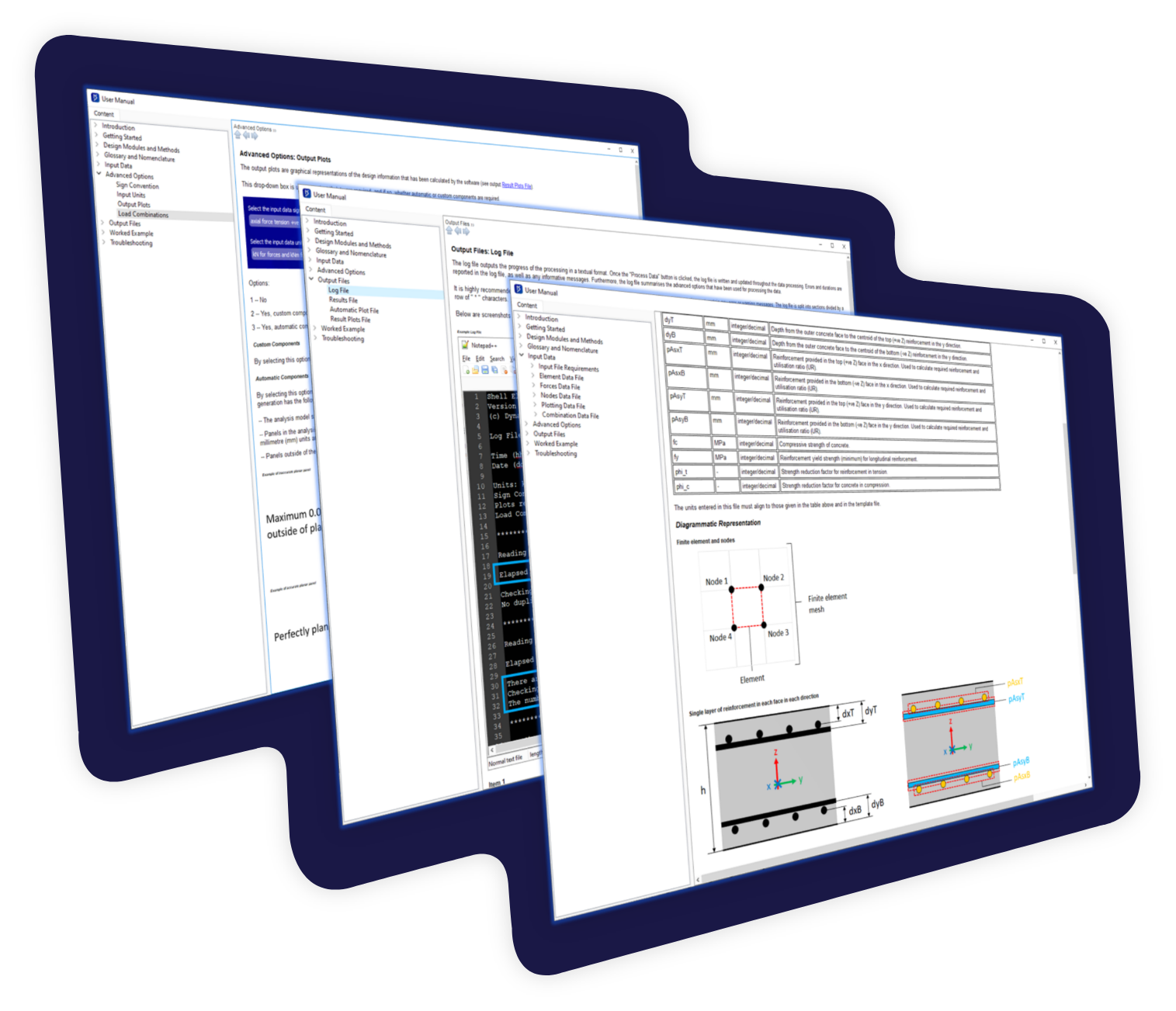
Use our Bolt-Ons to generate them from your model in minutes, or build them manually with the User Manual as your guide.

About Bolt-Ons
Creating input files

Load the files

Select your advanced options: raw output data, graphical visualisations, or full validation calculations.

Loading input files

Run Dynamico

Click Process Data. The model is rebuilt with AI, every element designed for every case, results presented ready-to-go — all in minutes.

Automated design run

Visualise & change

Review results in 3D. When the design changes, adjust the inputs and re-run — minutes, again.

3D visualisation of results
1M+design cases in a single run
90%faster runs on large data sets since v3.0
6design codes & methods supported
0hidden calculation steps
No black magic

Access all the design data

Step-by-step results for every element and every case — establishing trust, enabling reuse, and making validation a breeze. Export it, post-process it, feed your BIM pipeline with it. It's your data.

See it in Shell Element Designer
Full design data output
Shell Element Designer interface
Simple by design

An interface engineers actually enjoy

No hundred-button labyrinth. One clean workflow with a single set of advanced options, AI-driven graphical design visualisations, and comprehensive user manuals written by engineers who worked in industry.

Software overview
Return on investment

What would weeks back be worth to you?

Our customers' typical redesign cycle drops from a week to minutes. Use the calculator to estimate your saving in cost and hours — most configurations pay back in under 3 months.

Questions

Quick answers

Dynamico Systems' software does not perform any structural analysis. Our software focuses on automating the structural design of completed project analyses — from any analysis package.

Shell Element Designer editions start at £2,200 per year. See Pricing for the full breakdown — and contact us for education, bulk or tailored packages.

Nothing is lost. Your input files are already saved on your system — simply re-run them and your full design is completed again in minutes. You never need to perform a ‘save’.

An internet connection is required to activate and run the software. If offline activation is required for security reasons, contact us and we will be happy to support.

Browse all FAQs

See it. Try it. Use it.

A live 1:1 demonstration, a 14-day free trial, and flexible licensing — that's how confident we are you'll never want the black box back.