
Creating the Dynamico input files is a core step in running our software. To speed this up, we have developed Bolt-On tools that automate the creation of the input files directly from your existing analysis model. These Bolt-Ons can create the input files in minutes and will eliminate potential human errors.
Bolt-Ons
Automating data transfer
For new users it is recommended that the input files are created manually to help establish an understanding of the data from the analysis model, along with the Dynamico software output data. This will enable new users to use the output data in any post application, validation, or when examining the results in more detail. Once familiarity with the data is established, after 2-3 runs, the Dynamico Bolt-Ons become invaluable tools to significantly speed up the process.
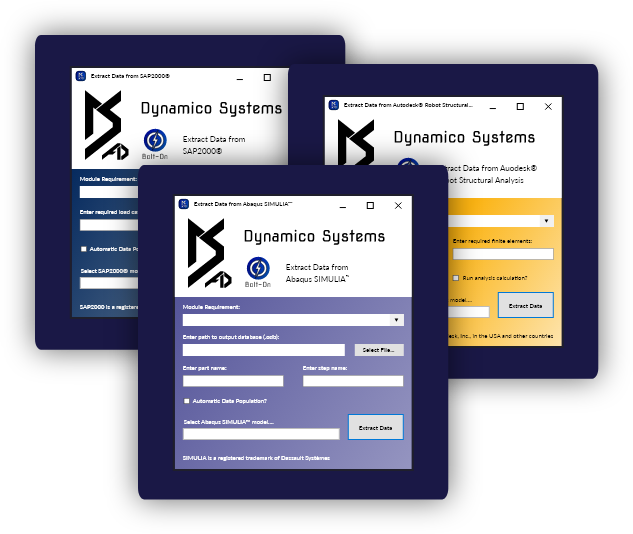
Our Bolt-Ons are currently available for the following analysis software, with more currently in development.
- Autodesk® Robot Structural Analysis
- SAP2000®
- Abaqus SIMULIA™
dynamico software

- Reinforced Concrete
- Shell Element Designer
- Walls and Slabs

- Reinforced Concrete
- Line Element Designer
- Beams and Columns
Under Development

- Steel
- Line Element Designer
- Beams, Columns, Bracing
Under Development

- Results
- Design Visualiser
- 3D Model