
Shell Element Designer
Reinforced Concrete Shell Elements Walls and Slabs
Overview
What is Shell Element Designer?
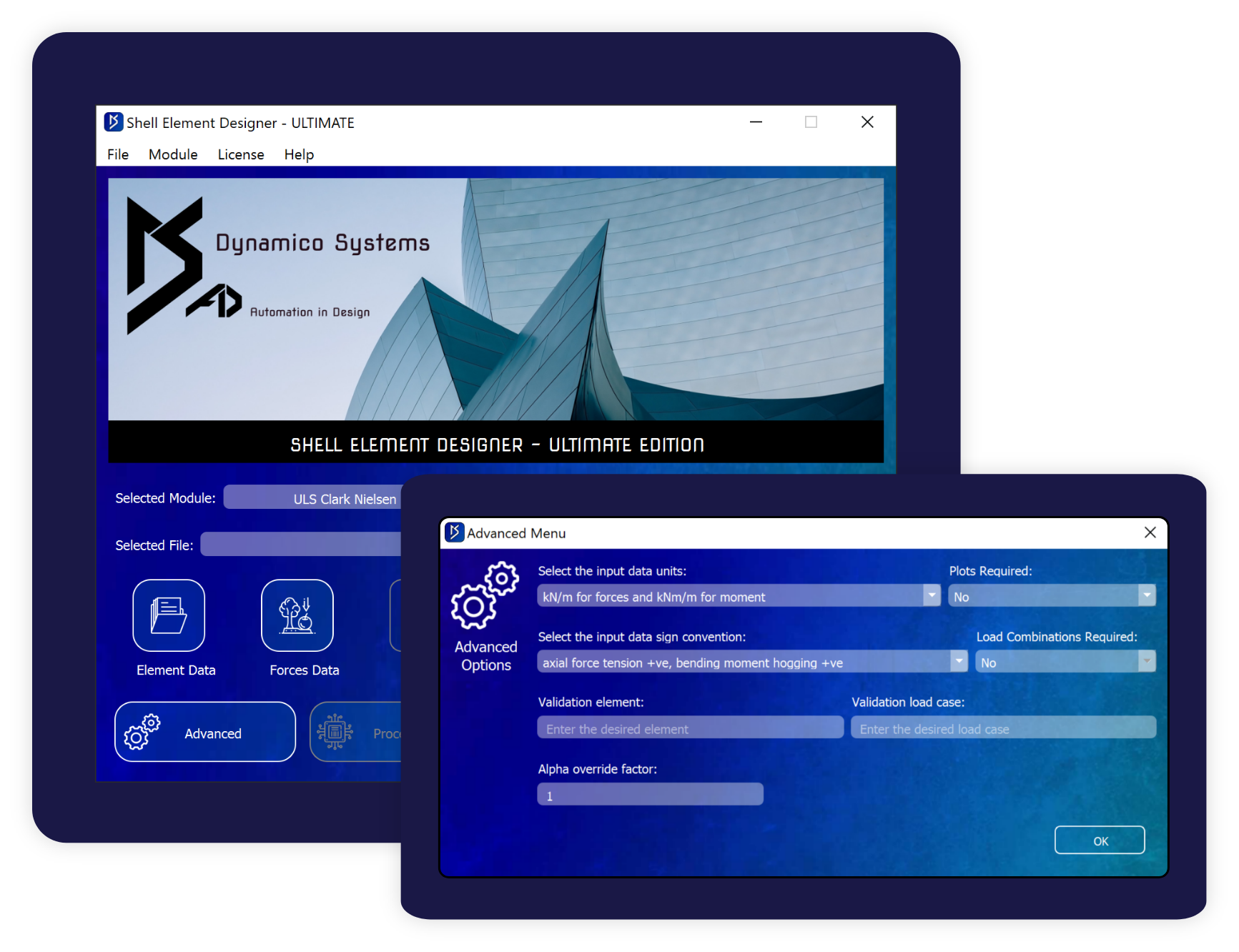
Shell Element Designer is a powerful automated design software that can design tens of thousands of shell elements for hundreds of cases in a matter of minutes. It takes your completed analysis results and uses them to perform code compliant design of reinforced concrete shell elements. The output consists of graphical visualisations, the raw results data and an option for validation calculations for an element and case of your choice.
Design Modules
The Shell Element Designer has multiple design modules to cover the full design of your reinforced concrete shell elements.

flexural reinforcement
Design of flexural in-plane longitudinal reinforcement. Calculates required reinforcement and utilisation ratios.
Compliance
- ACI 318M
- ACI 349M
- Brondum and Nielsen 1974
- Clark and Cope 1984
- Eurocode 2 Part 1-1
- Eurocode 2 Part 2

shear reinforcement
Design of out-of-plane shear reinforcement. Calculates required reinforcement and utilisation ratios.
Compliance
- ACI 318M
- ACI 349M
- Eurocode 2 Part 1-1 (WIP)

crack width checks
Check crack widths against code specified and user specified limits, and determining utilisation ratios.
Compliance
- Eurocode 2 Part 1-1

long term deflections
Check long-term deflections against user specified and code specified limits.
Compliance
- ACI 349M
- Eurocode 2 Part 1-1 (WIP)
Output Features
- Determines required reinforcement
- Utilisation ratios
- Multiple layers of reinforcement in each direction in each face
- Provided reinforcement is optional
- No limit on the number of elements
- Allows for multiple force and moment units
- No limit on the number of load cases
- Built-in iterative automated data processing
- Allows for multiple sign conventions
- Minimal user input gives maximum user output

Truly Global
Shell Element Designer gives ultimate flexibility to quickly design your structure to global design codes and standards. By making small adjustments to the input files, designs can be run for multiple design codes including European, American or even code independent methods.
- Eurocode
- American Code
- Code Independent
DEMO - TRY - BUY
At Dynamico Systems we want you to SEE, TRY and USE the power that our design tools have to offer. That’s why we offer a live 1:1 demonstration, a 14-day free trial and the best flexibility for anyone to benefit from our software.


