
How it Works
INTEGRATING INTO YOUR EXISTING WORKFLOW
Unlike other design packages, our software is simple and easy to use. All of our software adopts a simple process that directly integrates into your existing workflow.
Watch Our Video Guides
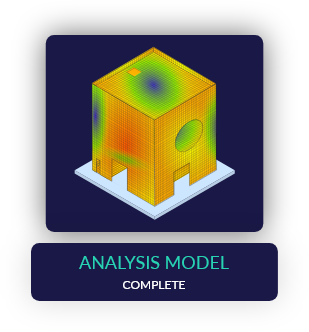
STEP 01 - COMPLETE THE ANALYSIS
Complete your analysis using your existing structural analysis, or finite element analysis software. Our software works with data from ANY analysis software.
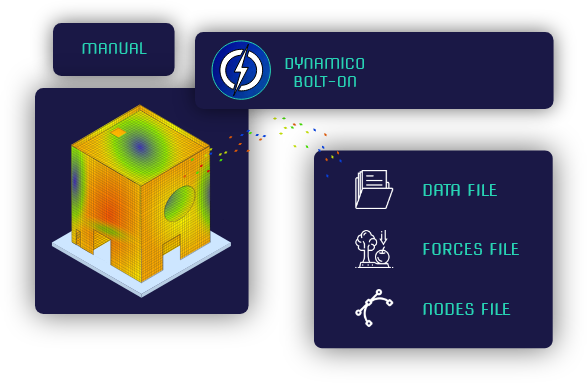
STEP 02 - CREATE THE INPUT FILES
Create the input files for the Dynamico suite by either using our in-house developed Bolt-Ons or using your own manual data transfer method. Our User Manual explains each input file in detail so you can make these files detailed or simple according to your design stage.

STEP 03 - LOAD THE INPUT FILES
Load the input files into our software and select your advanced options, whether you want just the raw output data, graphical visualisations, or even a set of calculations for easy validation.
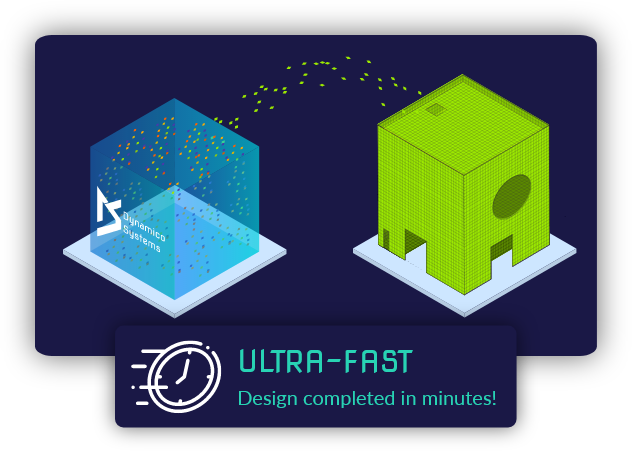
STEP 04 - RUN OUR SOFTWARE
Click 'Process Data' and our software will rebuild the 3D model using complex algorithms and AI, perform full code compliant design for all elements and all load cases, then present the results in a graphical format that is ready-to-go! All completed in minutes.
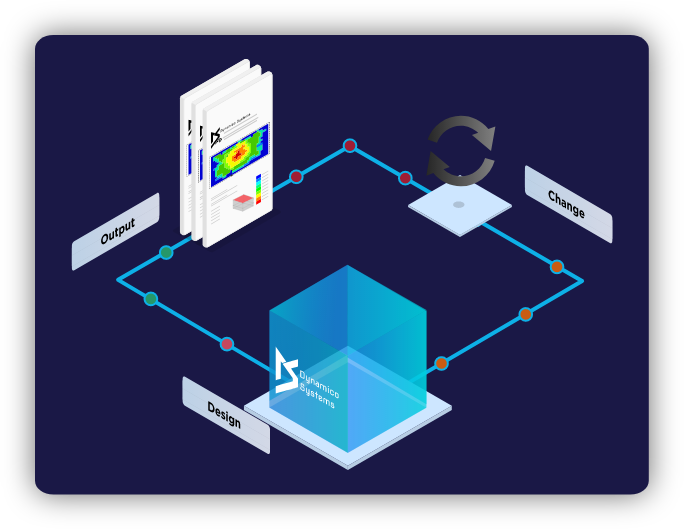
STEP 05 - VISUALISATION & CHANGE
Design results can be visualised in a 3D model, and then changes can be made by simply adjusting the input files, re-loading the files and clicking 'Process Data'.
Dynamico software

- Reinforced Concrete
- Shell Element Designer
- Walls and Slabs

- Reinforced Concrete
- Line Element Designer
- Beams and Columns
Under Development

- Steel
- Line Element Designer
- Beams, Columns, Bracing
Under Development

- Results
- Design Visualiser
- 3D Model